The multi-room hi-fi system for the music you own.
Yamsap runs on your own hardware and plays the files you already have, on any speaker in the house, at full resolution.
Runs on a Mac, Apple silicon or Intel. Linux and iOS are close.
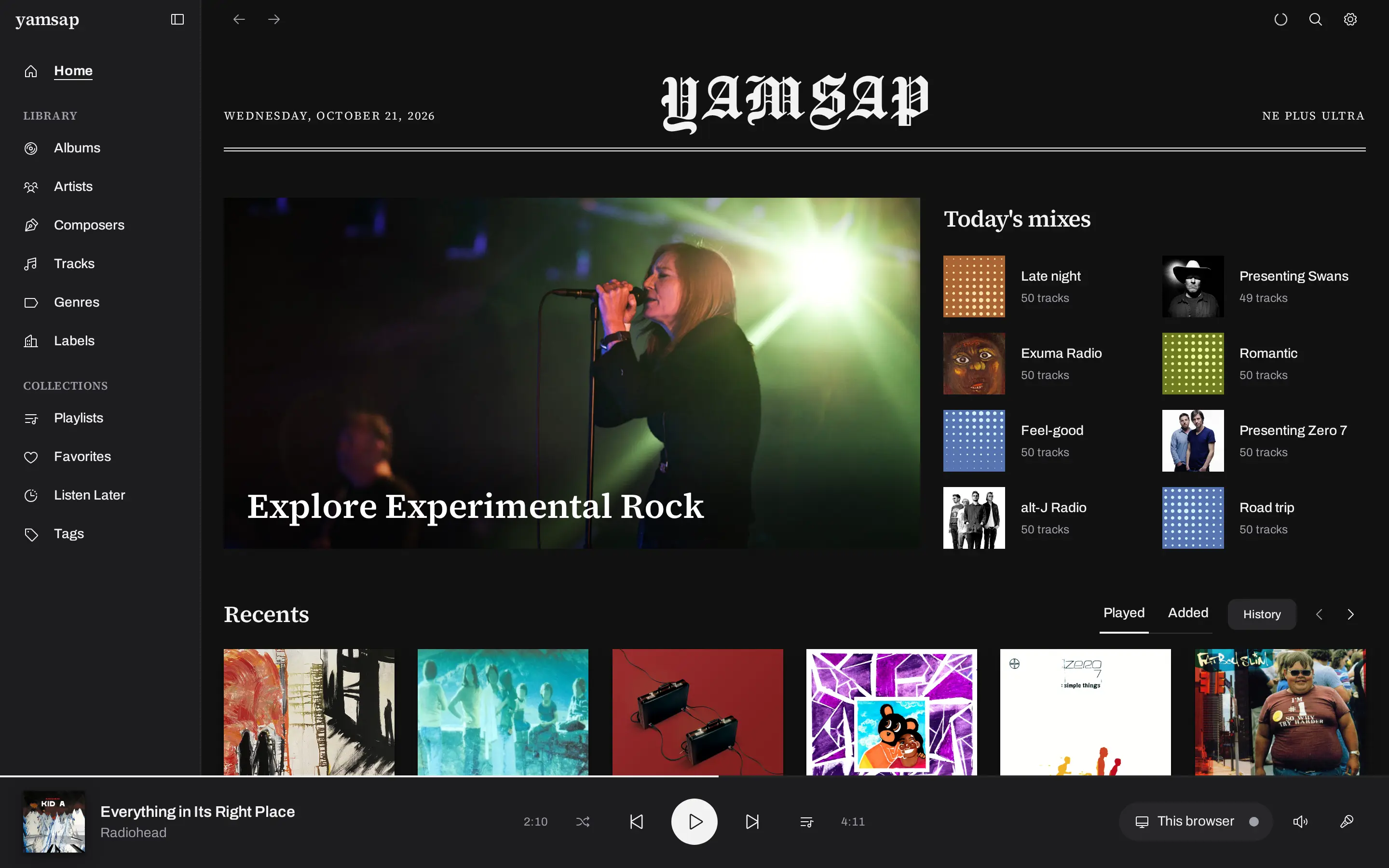
Every room, one record.
Every speaker on the network becomes a zone. Pick one, or group the whole house and let the rooms play in sync. Audio goes out at the file’s native rate. Nothing gets resampled down to make the network’s life easier.
- Outputs
- Speakers · desktops · phones · browsers
- Fidelity
- Bit-perfect on supported devices
- Sync
- Whole-house, zone by zone
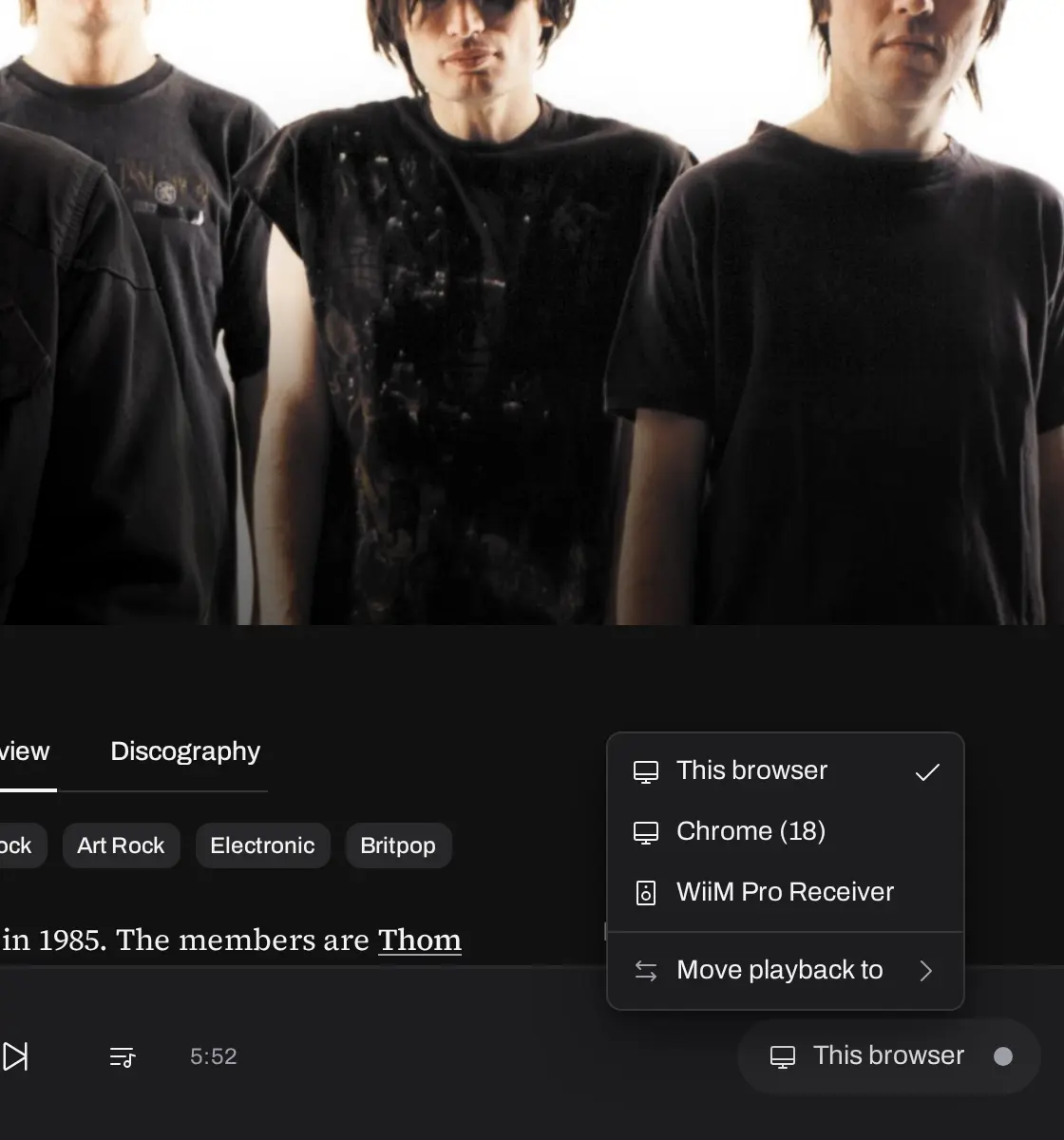
A remote for the whole house.
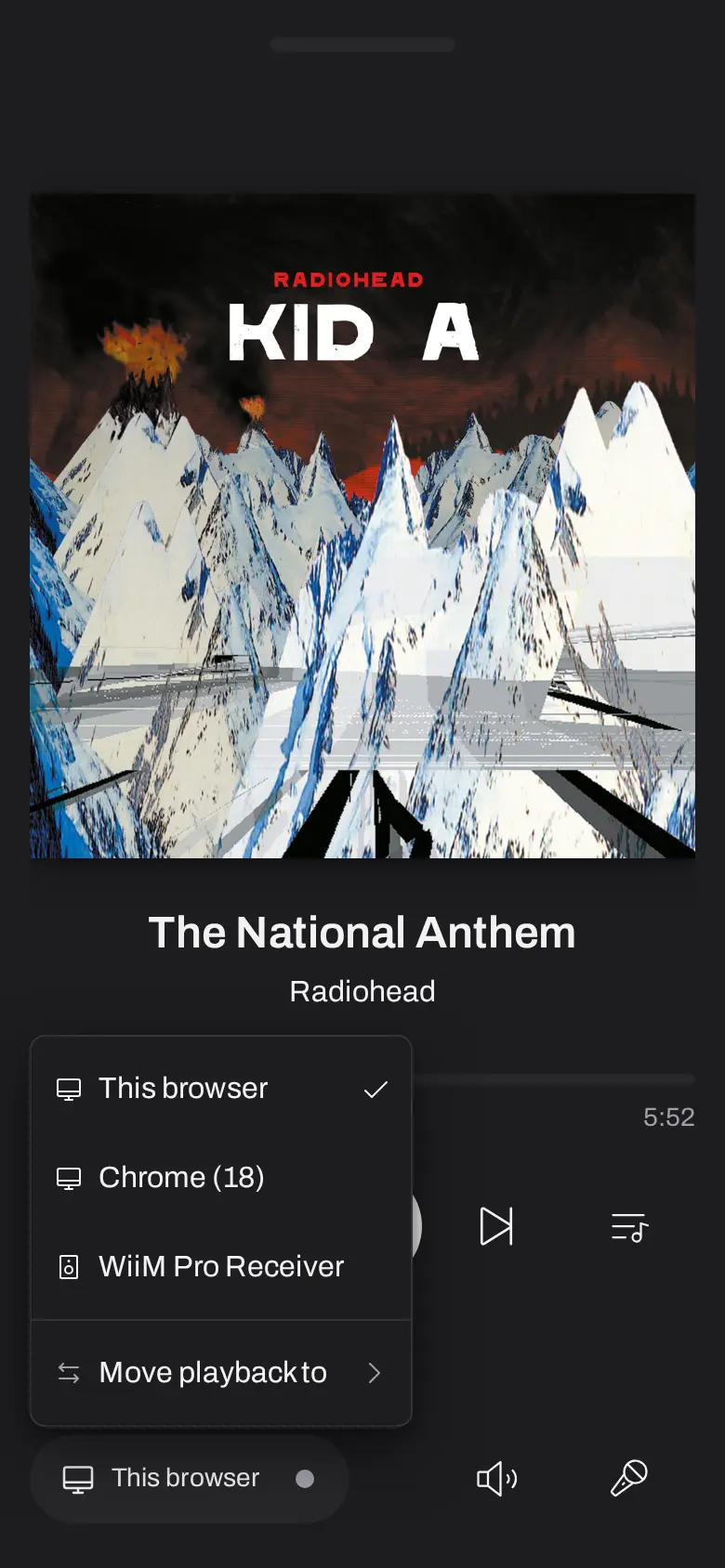
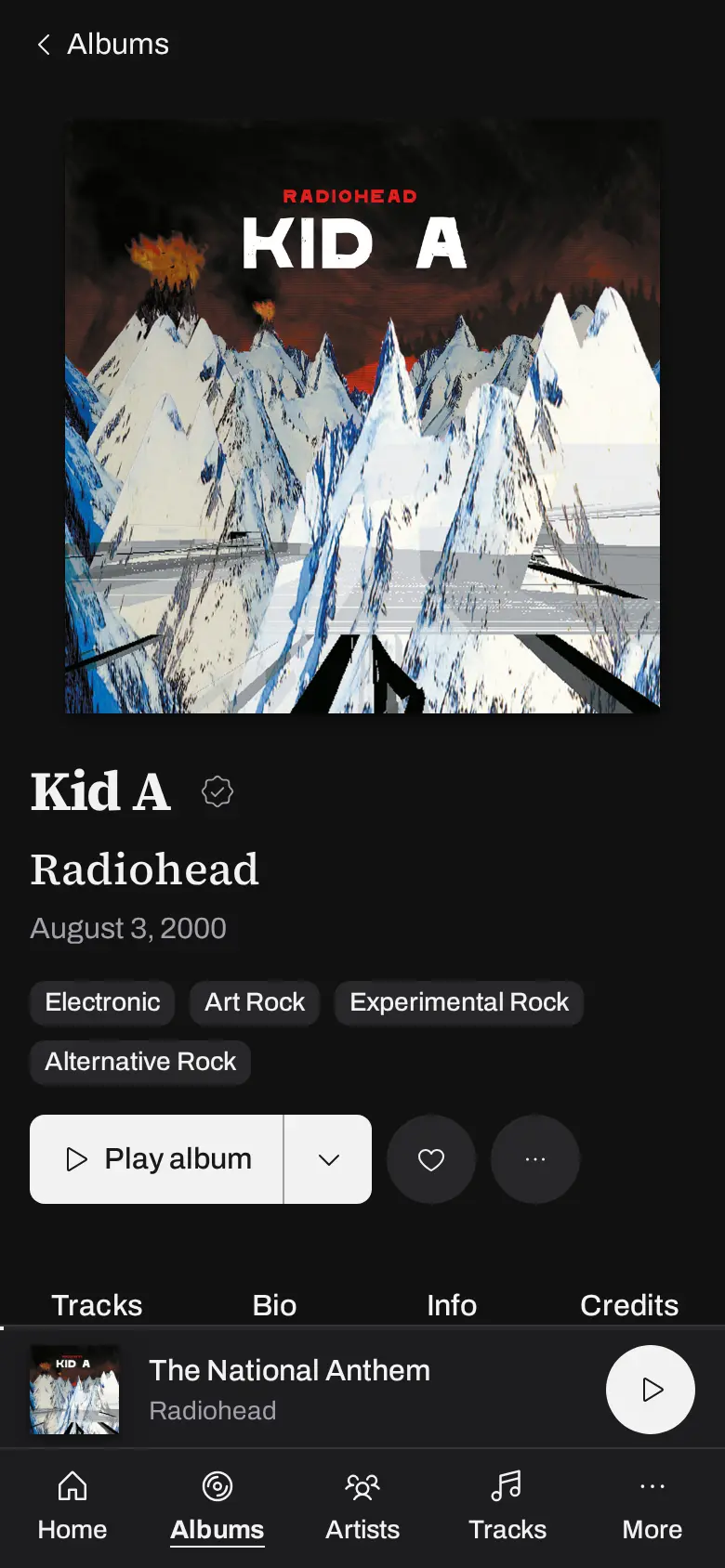
The interface fits your phone just as well. Open the picker, choose the desktop in the office, and the phone shows whatever that room is playing. Press play from the couch.
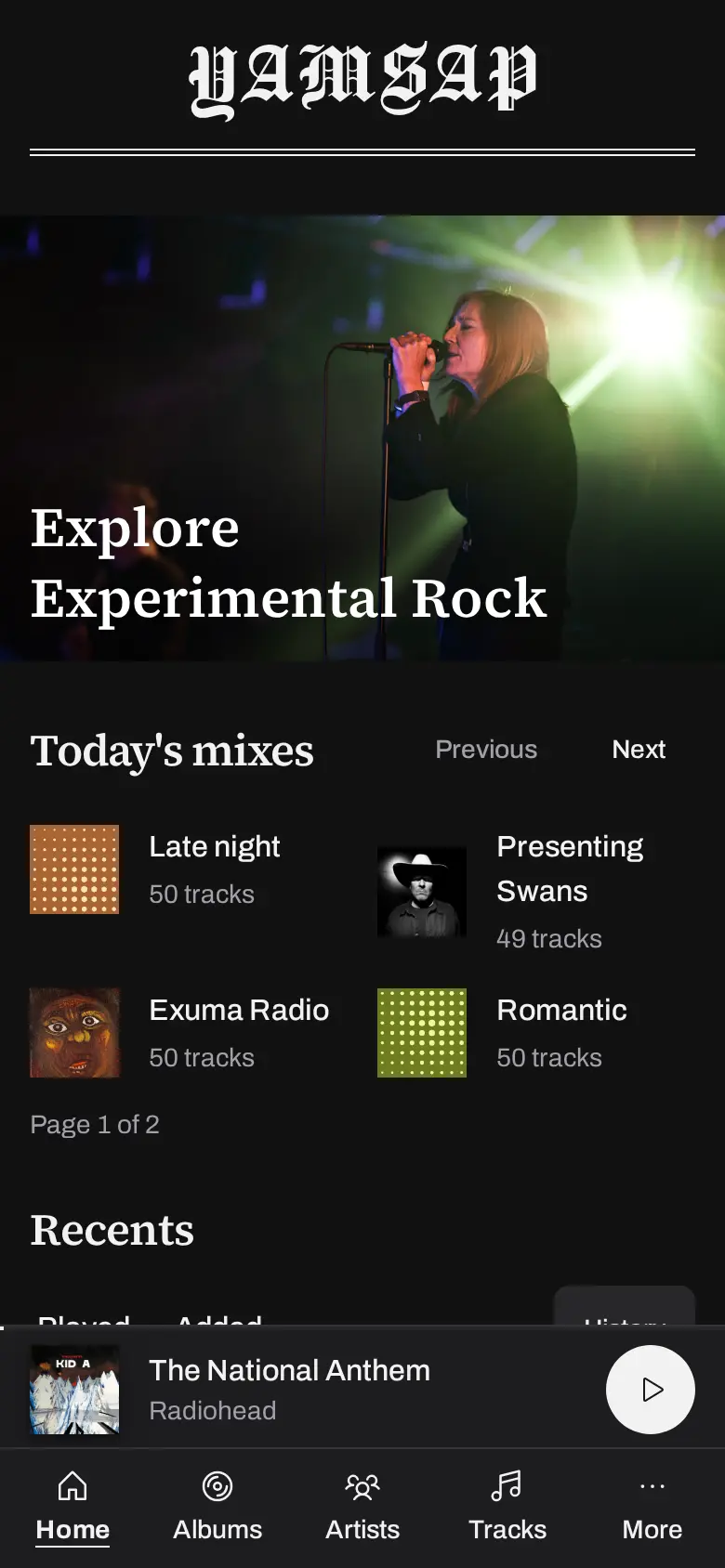
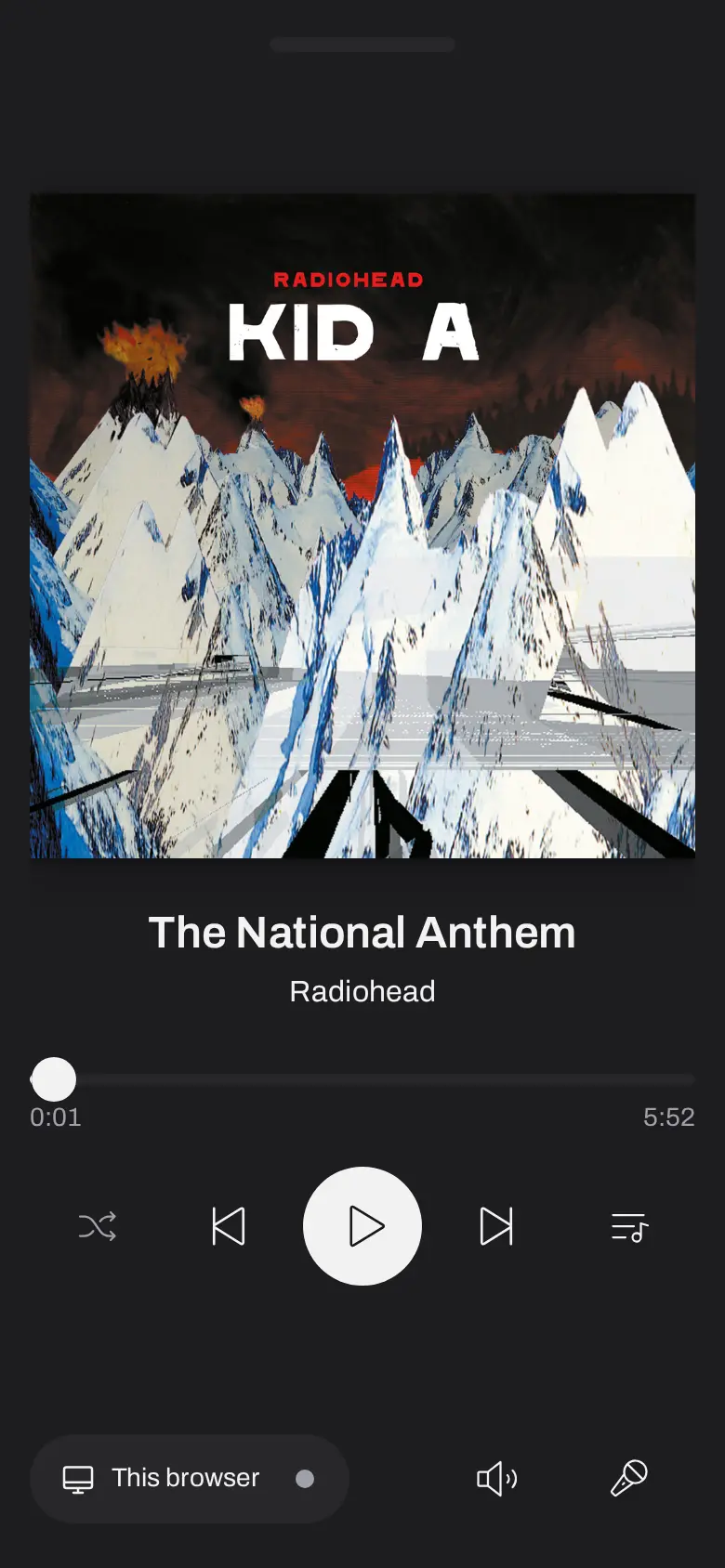
It comes with you when you leave.
Turn on remote access and your server takes an address of its own on the internet. The same library opens at the office, at a friend’s place, on hotel wifi. Music plays on the device in your hand rather than the speakers back home, so nothing starts up in an empty living room.
The iPhone app brings the library into CarPlay. Recently played and recently added sit on the home screen as artwork. The rest is one tap down.

A library you can read.
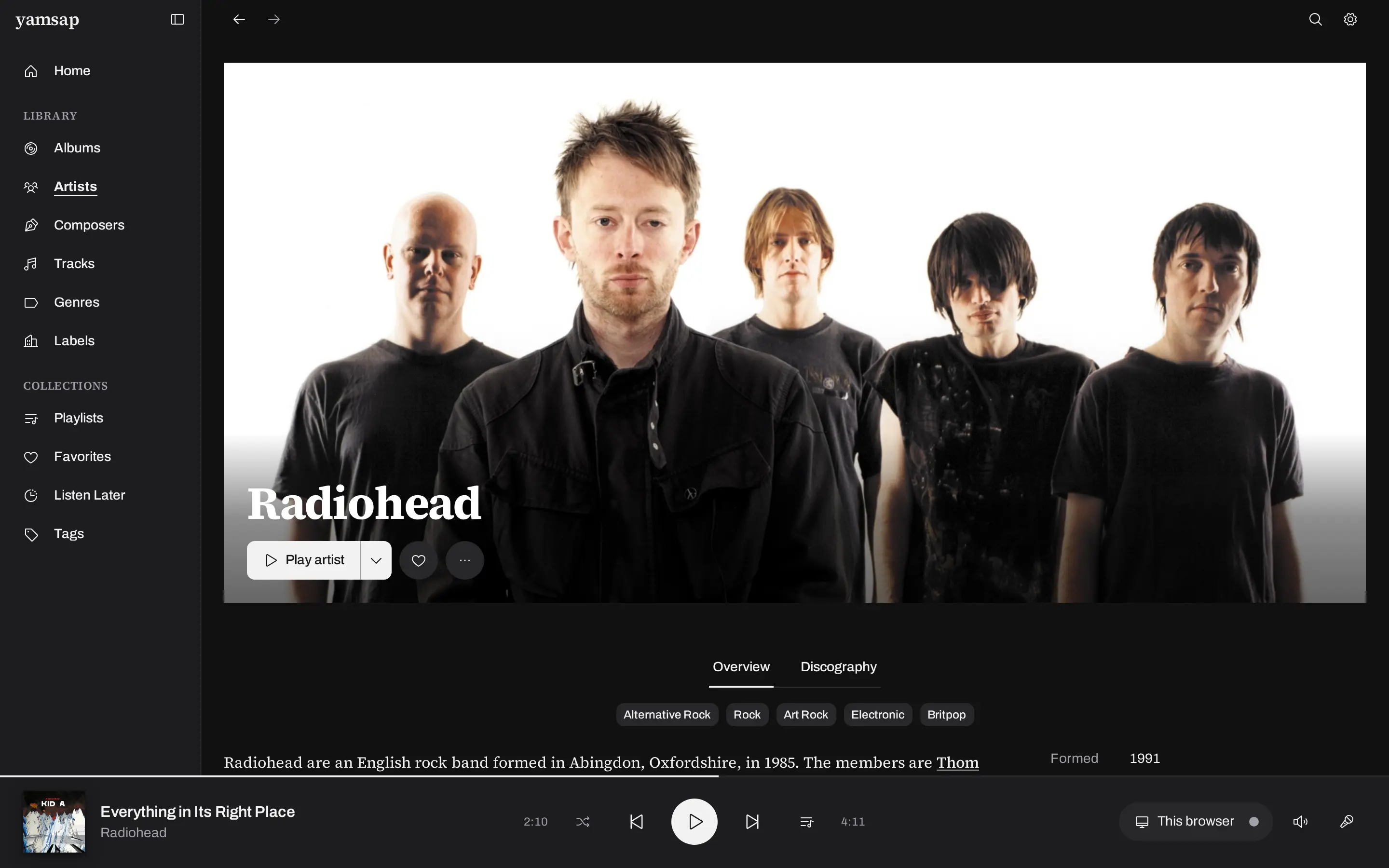
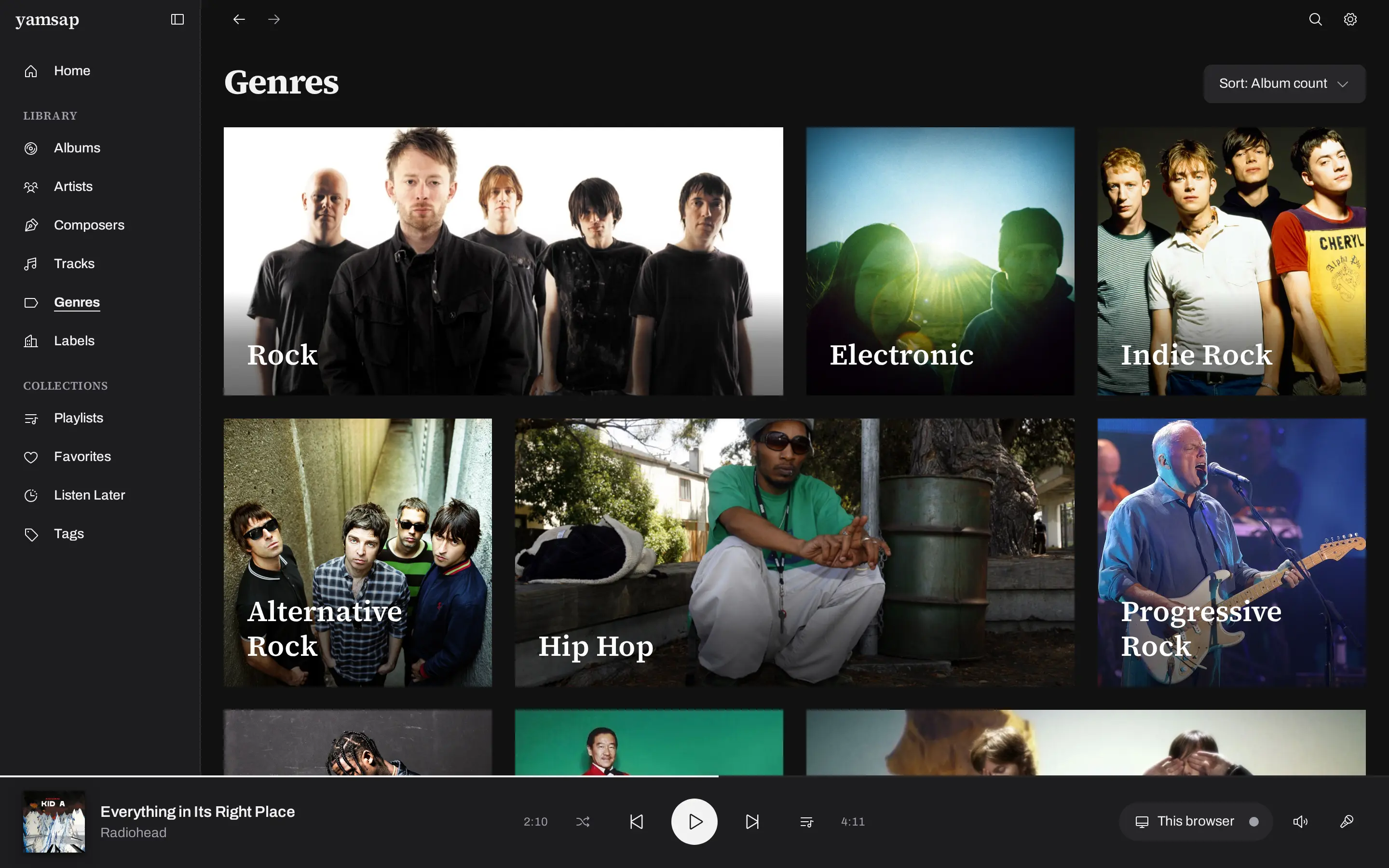
Most players show a collection as a grid of covers and a search box. Yamsap gives artists portraits and proper biographies. Album pages list the credits and the label that pressed the record. Whatever you got right in your own tags is read and shown rather than ignored.
Everything that came in the sleeve.
A record is more than an audio file and a cover. Yamsap goes and finds the rest of it, and gives the parts of a collection that never fit a grid somewhere sensible to live.
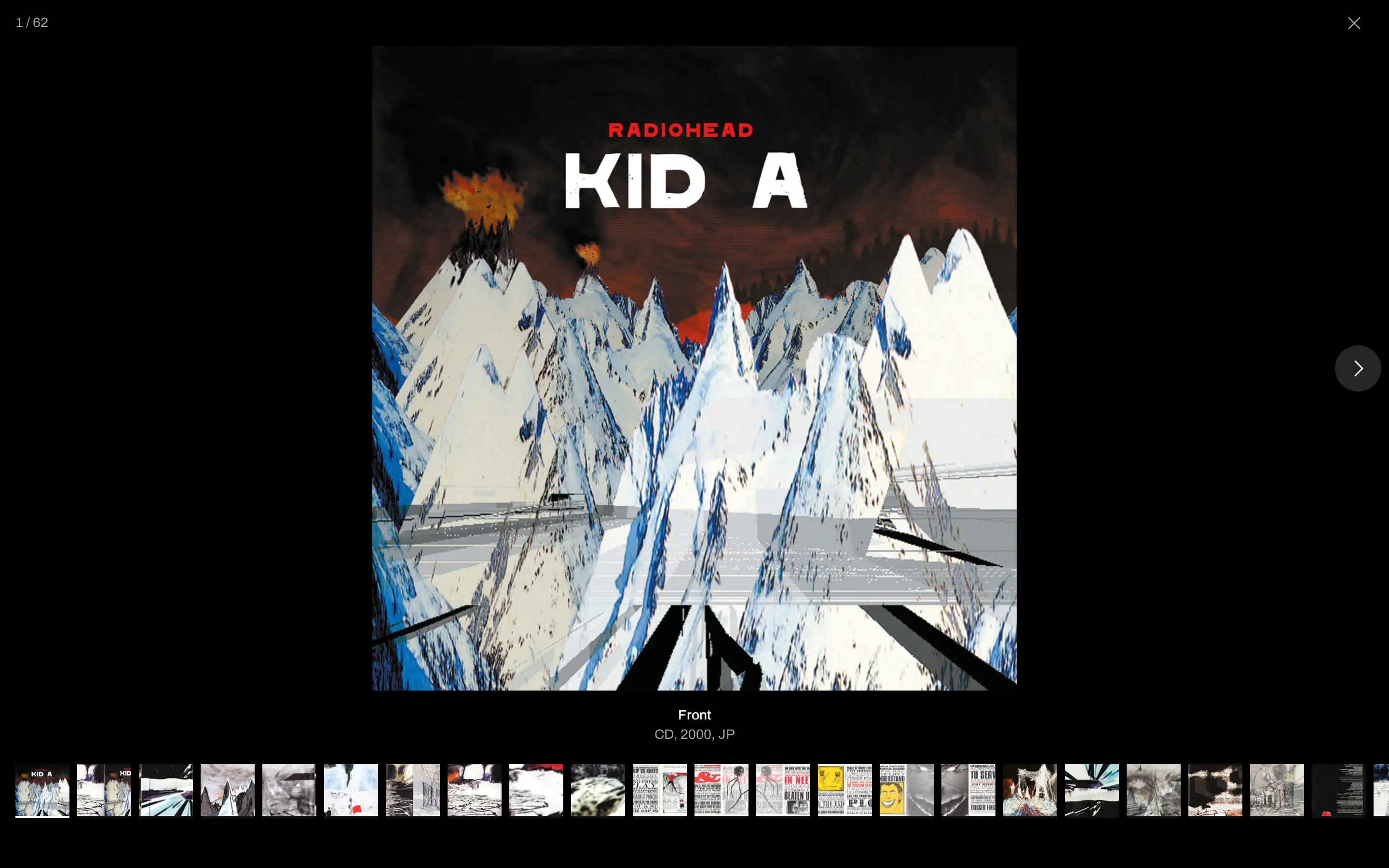
- Booklets and liner notes
- The scans, the inserts, the posters and the back cover, from the physical release, in a viewer.
- Composers
- Works filed under whoever wrote them, with every performance in your library gathered underneath.
- Labels
- Everything in your collection a label pressed, gathered on one page with its mark on it.
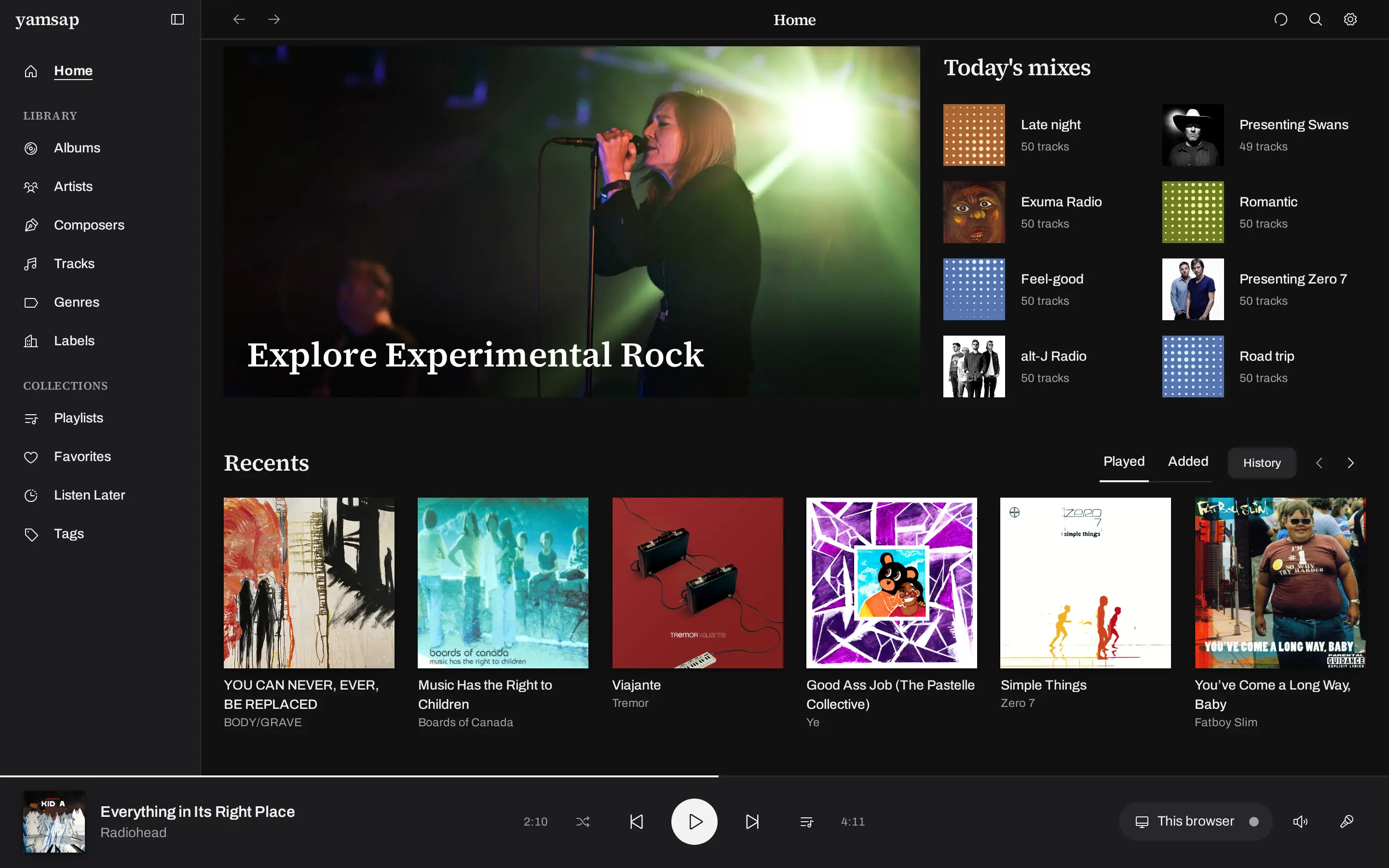
New every morning, from records you already have.
Overnight, yamsap plays your library and hears music the way you do, timbre, energy, mood and texture, and rebuilds the daily mixes and artist radio from what it hears.
It runs on your own machine and it has no idea what strangers are streaming, so there is no popularity to lose to. It just keeps finding the deep cuts that were already sitting in your library.
Everything else
- Scrobbling
- Plays report to Last.fm and ListenBrainz, queued on disk until those services answer.
- Playlists
- Drag them into the order you want and send them to any zone.
- Search
- One box over the whole library, matching while you type.
- New releases
- Records your artists put out in the last few months, minus the ones you already own.
- Favorites and history
- Everything you starred, and a record of what actually got played.
- Corrections
- Fix a cover, an artist or a track order by hand, without touching the file.
Yours, on your hardware, even with the internet unplugged.
Yamsap installs on a computer you already have and keeps your music right there. Nothing depends on someone else’s servers staying up, and the whole thing keeps working when the internet doesn’t.
$6.99 a month, every room included.
Or $5.99 a month if you pay for the year. It runs on a Mac today, Apple silicon or Intel, and Linux and iOS are close.